Agentic AI is changing how teams produce and operate blogs: not just generating text, but independently accomplishing tasks through planning, tool use, and multi-step execution. In OpenAI’s framing, agents can run end-to-end workflows on behalf of users, making it realistic to automate the full pipeline from research to drafting, publishing, and monitoring.
This shift matters because blogging is more “process” than “writing.” It includes sourcing fresh data, coordinating stakeholders, enforcing brand and SEO standards, managing permissions in a CMS, and measuring results. Agentic systems can orchestrate those steps reliably, if you design for quality, safety, and compliance rather than sheer volume.
1) What “agentic” means for blog workflows (beyond single-shot writing)
A traditional generative workflow is often single-shot: you prompt, the model outputs a draft, and you do the rest. An agentic AI blog workflow, by contrast, is built to independently accomplish tasks: it plans the work, uses tools (search, docs, CMS, analytics), and executes multiple steps until a goal is met, like “publish a post with cited sources and scheduled distribution.”
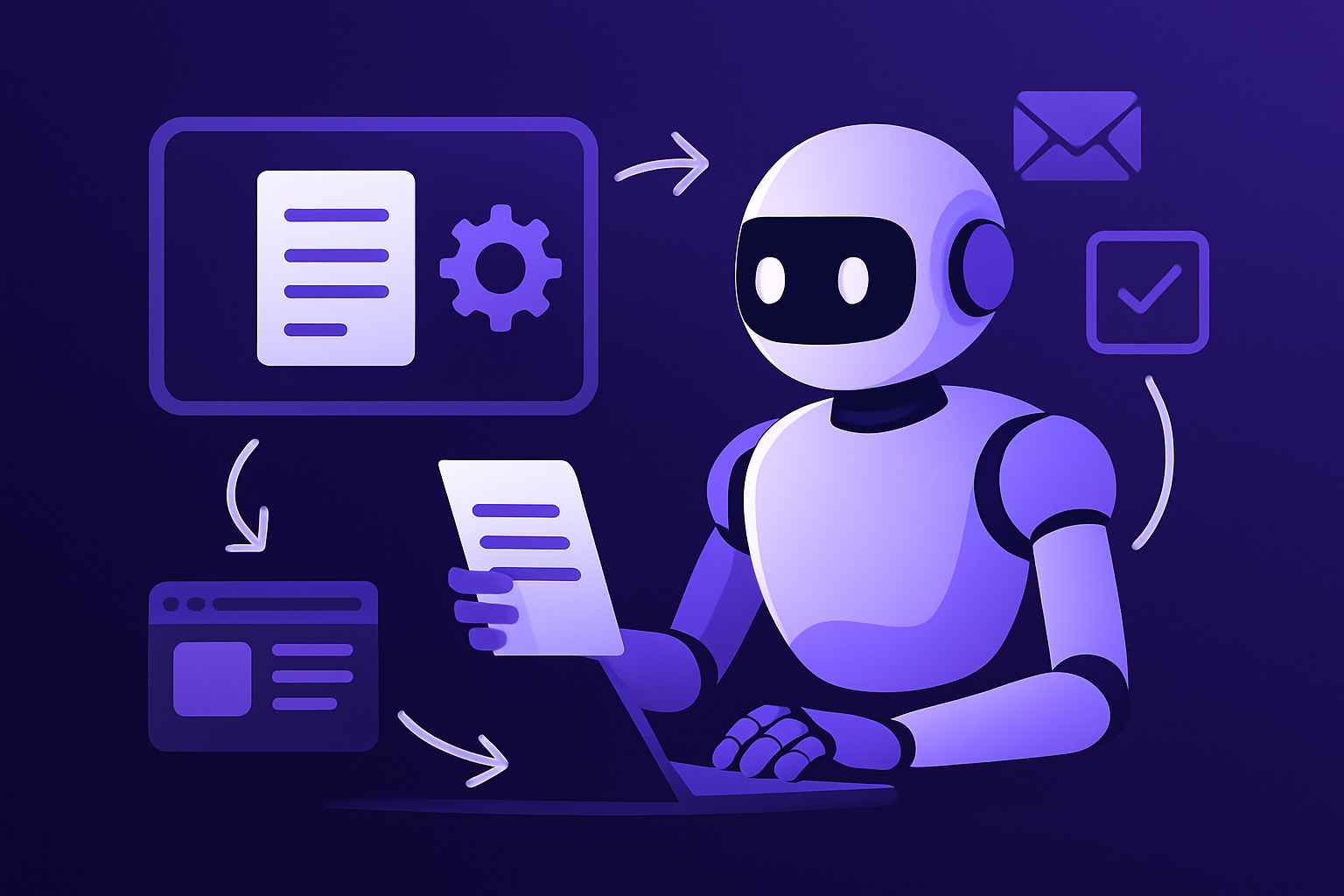
That difference is practical. A blog pipeline has dependencies (brief → research → outline → draft → edit → SEO QA → images → CMS formatting → publish → monitor). Agentic automation can keep state across those stages, recover from partial failures, and return to you only when a decision or approval is required.
It also enables specialization. Instead of one prompt trying to do everything, you can split roles (researcher, writer, editor, SEO checker, publisher) and define explicit handoffs. This tends to reduce errors and makes it easier to audit how the final post was produced.
2) Designing a multi-agent pipeline with OpenAI Agents SDK primitives
OpenAI’s Agents SDK emphasizes three building blocks that map cleanly to editorial operations: handoffs, guardrails, and tracing. “Handoffs” let you route work between roles, e.g., Researcher → Writer → Editor → SEO QA → Publisher, without losing context or responsibilities.
Guardrails are the policy layer: what the agent is allowed to do, what it must avoid, and what triggers escalation to a human. In blog automation, guardrails can enforce requirements like “must include sources,” “no medical claims without citations,” “no publishing without approval,” or “respect brand voice rules.”
Tracing makes the system observable. When a post goes wrong, incorrect statistic, broken link, unexpected tone, you need a record of which step introduced the issue, what tools were called, and what decisions were made. Tracing supports audits and continuous improvement of the pipeline.
3) Production reliability: Responses API features for long-running editorial work
Editorial automation is rarely instant. Fact-checking, image generation, compliance review, and stakeholder feedback can take minutes or hours. OpenAI’s Responses API adds reliability-oriented capabilities, such as background mode, that fit long-running blog workflows where tasks should continue asynchronously.
Reasoning summaries and encrypted reasoning items help when you need the system to be both accountable and safe in production. Teams often want an explanation of “why this change was made” without exposing sensitive internal deliberation or creating new data leakage risks. Summaries can feed editors and auditors, while encryption can reduce exposure of internal reasoning artifacts.
Combined, these features support a “queue-based newsroom” pattern: an agent picks up a brief, runs research and checks in the background, produces an evidence-backed draft, and then routes it to a human reviewer with a concise, review-friendly change log.
4) Research that stays current: web search with sourced citations
One of the fastest ways automated blogging fails is stale or unsourced information. OpenAI’s Web Search tool is designed to allow models to search the web for the latest information with sourced citations, enabling an agent to refresh stats, find authoritative references, and assemble a cited research brief before writing.
This is especially useful for “moving target” topics like regulations, product updates, pricing, market data, and platform features. Rather than relying on the model’s memory, the workflow can require a search step that collects current sources and embeds citations into the draft and/or a separate research appendix.
For editorial teams, a cited brief improves review speed. Editors can quickly validate claims by checking the links, and subject matter experts can focus on interpretation and value-add insights rather than chasing down basic references.
5) Connecting the stack: MCP interoperability and tool-use across vendors
Blog operations touch many systems: CMS, analytics, keyword tools, image libraries, issue trackers, and product docs. A key trend is tool interoperability. The OpenAI Responses API adding support for all remote Model Context Protocol (MCP) servers points toward standardized connectors instead of bespoke integrations for every tool in your stack.
In parallel, Anthropic’s “tool use” (GA) highlights a similar direction: models can select and call external tools/APIs. That’s valuable for tasks like pulling product data, converting a brief into structured tasks, updating spreadsheets and content calendars, and generating publish-ready metadata (titles, slugs, alt text, schema snippets).
The practical outcome is orchestration: agents can move work across apps without constant copy/paste and without forcing every team onto a single platform. Your workflow can start in an issue tracker, draft in a doc, push assets to a media library, and finish in a CMS, while staying traceable end to end.
6) When APIs don’t exist: “computer use” to operate the CMS like a human
Some blog tasks are hard to automate because the necessary APIs are missing or incomplete, especially around formatting, block layout, or plugin-specific UI flows. Anthropic’s “computer use tool” (beta) enables screenshot-based mouse/keyboard control, letting an agent drive the browser and CMS interface directly.
That can unlock automation for “last mile” publishing work: applying templates, adjusting layout, placing callouts, uploading images, scheduling drafts, and verifying how a post renders on desktop and mobile previews. It is also a way to automate legacy systems where integrations would be costly.
However, UI automation increases risk: it is easier for a malicious prompt injection or a deceptive screen element to cause unintended actions. If you use computer-use automation for publishing, pair it with strong approvals, least privilege, and monitoring.
7) Scaling context and consistency: large-context models for whole-site governance
A major constraint in content automation has been context: style guides, brand rules, past posts, SME notes, and compliance requirements often exceed a model’s working window. Recent capability jumps matter here. Claude Sonnet 4.6 (beta) advertises ~1M-token context and strong tool-use/automation benchmarks, including SWE-bench Verified 79.6% and OSWorld-Verified 72.5% for tool-using agents.
For blog workflows, larger context supports “whole-site” consistency in one session: ingest your editorial style guide, tone examples, approved terminology, product messaging, and a library of prior posts, then generate or revise content that matches established patterns without constant re-prompting.
This also helps governance. The agent can check a new draft against prior claims, avoid repeating near-duplicate angles, and maintain consistent definitions and disclaimers, reducing the risk of internal contradictions across your blog.
8) From 120 steps to one: automation ROI, but only with quality gates
Agentic automation can collapse complex processes. Tines reported examples like a “120-step workflow” converted to a “single-step agent,” along with “10, 100x usability improvement” and “100x faster time-to-value.” Blogging has similar step inflation: research, drafting, review loops, SEO checks, distribution, and reporting can become an unwieldy checklist.
But the ROI only holds if you build in quality gates. Google Search’s March 2024 core and spam policy changes aimed for “45% less low-quality, unoriginal content,” and the “scaled content abuse” policy targets content produced at scale primarily to manipulate rankings “no matter how it’s created.” A commonly cited definition is “many pages… for the primary purpose of manipulating search rankings and not helping users.”
So the right pattern is not “autopublish at scale,” but “automate the operations around expert content.” Use agents to speed up research collection, enforce originality checks, produce multiple draft variants for human selection, and run pre-publication QA, then measure and iterate based on outcomes, not output volume.
9) CMS-native and workspace-native agents: WordPress, Zapier, and Google Workspace
Workflow automation becomes easier when agents live where work already happens. Google Workspace Studio (GA, Dec 3 2025) lets teams design, manage, and share AI agents inside Workspace, useful for blog briefs in Docs, editorial calendars in Sheets, and stakeholder approvals and updates via Gmail.
On the CMS side, WordPress.com’s AI Assistant (Feb 17, 2026) brings prompt-based edits directly into the site editor and media library, and can be invoked inside “Block Notes” by tagging “@ai.” That makes it simpler to operationalize edits (rewrite, translate, tone shifts) and media tasks without leaving the publishing environment.
Automation platforms also push multi-app orchestration. Zapier Agents (open beta; docs updated Oct 17, 2025) are positioned to orchestrate AI apps across your stack. In blog ops, that can mean: when a new brief is created, an agent generates an outline, creates tasks in your PM tool, requests approvals, schedules social distribution, and logs performance metrics back to a dashboard.
10) Safety, permissions, and disclosure: building responsible “autopublish” capability
As you automate more of the pipeline, permissioning becomes central. WordPress 6.9 (Dec 2025) introduced an “Abilities API” aimed at standardized, machine-readable permissions for next-generation AI-powered and automated workflows. That kind of scoping is exactly what blog agents need: draft-only access vs publish rights, media upload limits, plugin action restrictions, and environment boundaries (staging vs production).
Governance also includes transparency. WordPress project guidance (Feb 1, 2026) on “AI Guidelines for WordPress” emphasizes responsibility and disclosure of meaningful AI assistance. In practice, define what “meaningful” means for your brand (e.g., AI-assisted translation, AI-generated images, AI-drafted copy) and add a consistent disclosure pattern where appropriate.
Finally, treat tool integrations as an attack surface. MCP security research has reported protocol-level vulnerabilities and tool-integration risks, which is especially relevant if an agent can publish. Mitigations include sandboxing, least-privilege tokens, human approval steps for high-impact actions, and prompt-injection defenses (e.g., never letting untrusted page text override system policies).
Automate blog workflows with agentic AI by treating content as a governed system, not a text generator. The most effective setups combine multi-agent orchestration (clear handoffs), reliability features for long-running tasks, web research with citations, and interoperable tool connections across your stack.
At the same time, the bar for quality and originality is rising. Search policies targeting scaled content abuse and ongoing enforcement uncertainty, including regulatory scrutiny around ranking demotions, mean teams should prioritize expert value, traceable sourcing, and robust review gates. Done well, agentic automation reduces operational drag while keeping humans accountable for what gets published.