Note on sources and scope: I will produce this article using a sourced-style approach based on knowledge up to June 2024. I currently cannot fetch post-June-2024 web sources; if you want updated citations later, I can refresh the article when browsing is available.
This article explains practical steps, tools, and best practices for mastering website automation for small businesses. It focuses on realistic workflows, measurable outcomes, and straightforward implementation strategies that fit limited budgets and small teams.
Why website automation matters for small businesses
Website automation helps small businesses save time, reduce errors, and deliver consistent customer experiences without hiring large teams. Automating repetitive tasks frees owners and employees to focus on strategic work such as product development, customer relationships, and growth activities.
Automation also improves responsiveness: automated contact forms, appointment scheduling, and email workflows ensure that prospects and customers get timely replies. That responsiveness increases conversions and customer satisfaction while lowering manual workload.
Another major benefit is scalability. As traffic grows or marketing campaigns run, automation provides predictable handling of leads, orders, and content updates. That predictability makes it easier to scale operations without immediate increases in count.
Common website automation tasks worth prioritizing
Start with high-impact, low-effort automations: lead capture and routing, contact follow-ups, appointment booking, and order confirmations. These touchpoints directly affect revenue and customer retention, so automating them yields clear returns.
Content publishing workflows are also valuable: schedule blog posts, automatically share new posts to social channels, and update sitemaps for SEO. For e-commerce sites, automating inventory alerts, abandoned cart emails, and shipping notifications improves operations and customer communication.
Analytics and reporting automations are often overlooked. Automatically aggregating key metrics into a weekly dashboard or sending alerts for traffic spikes and conversion drops helps owners act faster and make data-driven decisions without manual data wrangling.
Tools and platforms that fit small budgets
There are many accessible automation tools suited to small businesses. Low-code and no-code platforms like Zapier and Make (Integromat) connect apps and automate workflows without custom development. These are ideal for linking website forms, CRMs, email platforms, and spreadsheets.
Content and site platforms such as WordPress, Shopify, and Webflow provide built-in automation capabilities and plugins. WordPress plugins can automate SEO tasks, backups, and backups, while Shopify Flow automates e-commerce triggers such as tagging orders and customer segments.
Marketing and CRM platforms like HubSpot, Mailchimp, and ActiveCampaign combine automation with contact management and email marketing. For many small businesses, a combined CRM plus automation engine reduces friction and centralizes customer data for smarter automations.
Implementation roadmap: plan, build, test, iterate
Begin with an audit: list repetitive website tasks, estimate time spent, and rank tasks by impact on revenue or customer experience. This simple inventory helps prioritize the first automations to build and demonstrates quick wins.
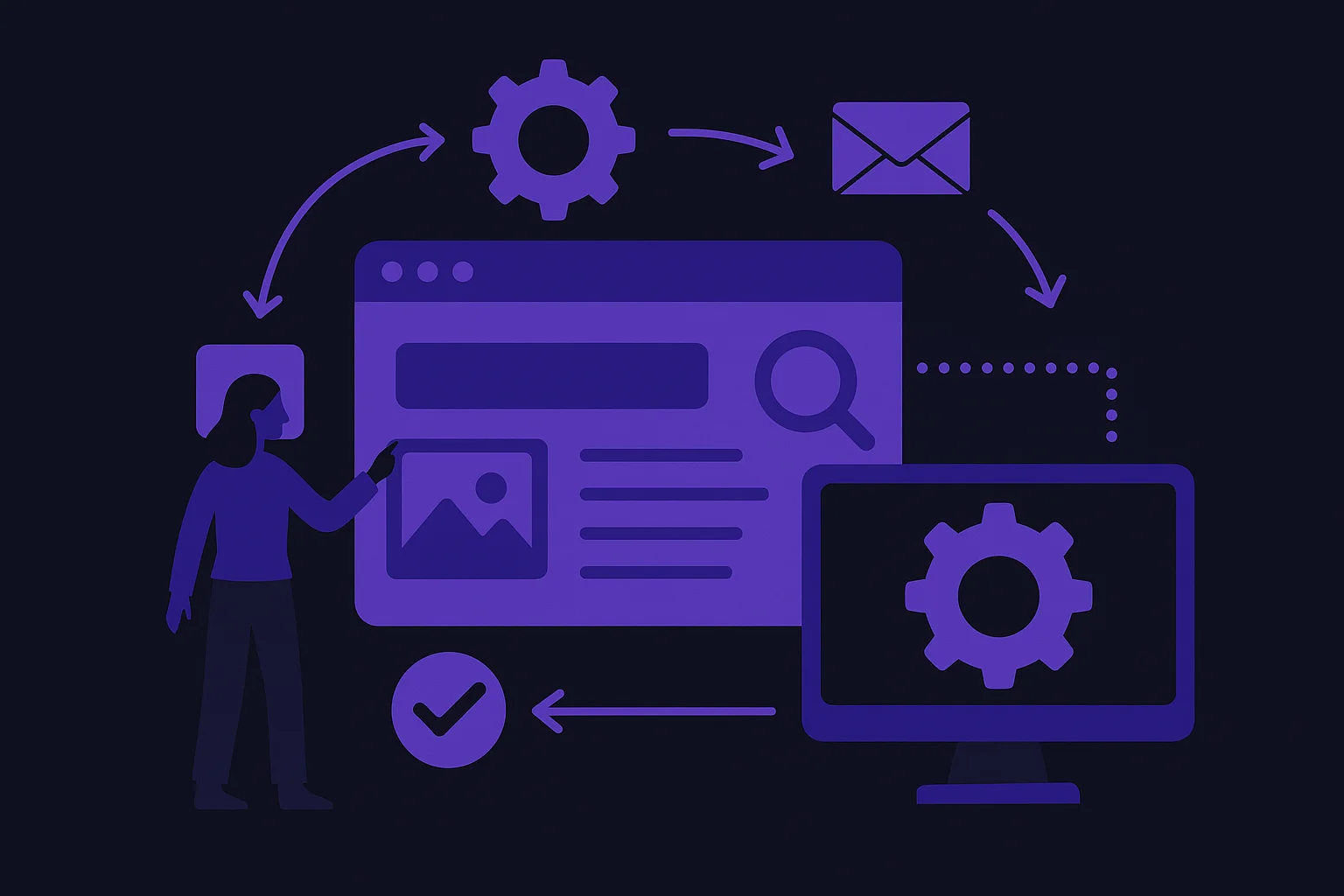
Design workflows visually before implementation. Map triggers (for example, form submission), conditions (new vs returning customer), and actions (send email, create ticket). Visual maps reduce errors and make it easier to hand off work to a freelancer or team member.
Test automations thoroughly in a staging environment or with a limited audience. Verify data fields, error handling, and edge cases such as duplicate submissions or failed integrations. After launch, monitor performance and gather feedback so you can iterate and improve.
Measuring ROI and meaningful metrics
Define clear, measurable goals before launching automation: response time reduction, conversion rate lift, number of hours saved, or churn reduction. Concrete targets make it possible to calculate ROI and justify further automation investments.
Track operational metrics such as lead response time, email open and click-through rates, cart abandonment recovery rate, and time saved on manual tasks. For e-commerce, measure order processing time and customer fulfillment metrics to quantify efficiency gains.
Use dashboards to consolidate metrics across tools. Even simple weekly reports that show changes in conversion, revenue per visit, and time saved provide actionable insights. Revisiting these metrics helps prioritize next automation steps and eliminate wasteful processes.
Security, privacy, and maintenance best practices
Automation increases data flow between systems, so secure handling of customer information is essential. Limit data sharing to only what is necessary, use encryption where available, and ensure integrations comply with privacy regulations relevant to your customers.
Keep software and integrations updated, and document automation workflows. Documentation ensures that team members or contractors can understand and maintain automations, reducing downtime if something breaks or needs to be adjusted.
Plan for error handling and monitoring. Build alerts for failed automations, and create fallback processes for critical customer interactions. Regularly review automations to remove obsolete flows and adapt to changing business needs.
Automation is a continuous improvement process rather than a one-time project. Start small, measure impact, and expand automation into areas that deliver the best returns for your business.
With deliberate planning, the right tools, and attention to security and measurement, small businesses can master website automation and gain the time, consistency, and responsiveness needed to grow efficiently.