To automate access checks for Google agents, you need more than an OAuth token or a successful tool connection. You need a repeatable way to identify the agent, evaluate its permissions, enforce policy on each supported request path, and resolve access failures without automatically granting broader privileges.
Google’s Workspace and Cloud controls address different parts of that problem. Workspace governs agent access to organizational data through supported interfaces, while Google Cloud offers IAM Helper for access investigation and workflows, plus Agent Gateway for protocol-layer enforcement. The practical task is to connect these capabilities without confusing authentication, authorization, troubleshooting, and human approval.
How to automate access checks for Google agents
Give each agent a dedicated identity, route its requests through the supported Workspace or Cloud enforcement path, and evaluate the applicable permissions before allowing access. Use IAM Helper to investigate Cloud IAM failures, preserve human approval for sensitive changes, and record decisions so administrators can review what happened.
That is the operating model, not a single product switch. The right implementation depends on whether the agent reads Workspace data, accesses Google Cloud resources, or moves between both environments during one task.
Start by separating four responsibilities. This prevents a common design mistake: treating a tool that explains an access denial as though it also enforces every subsequent request.
- Identity: Establish which agent is acting and which OAuth client or other identity represents it.
- Authorization: Determine whether that identity is allowed to perform the requested action on the target resource.
- Enforcement: Stop requests that do not satisfy the applicable access and policy checks.
- Resolution: Explain a denial and, where appropriate, prepare a controlled path to fix the underlying permission issue.
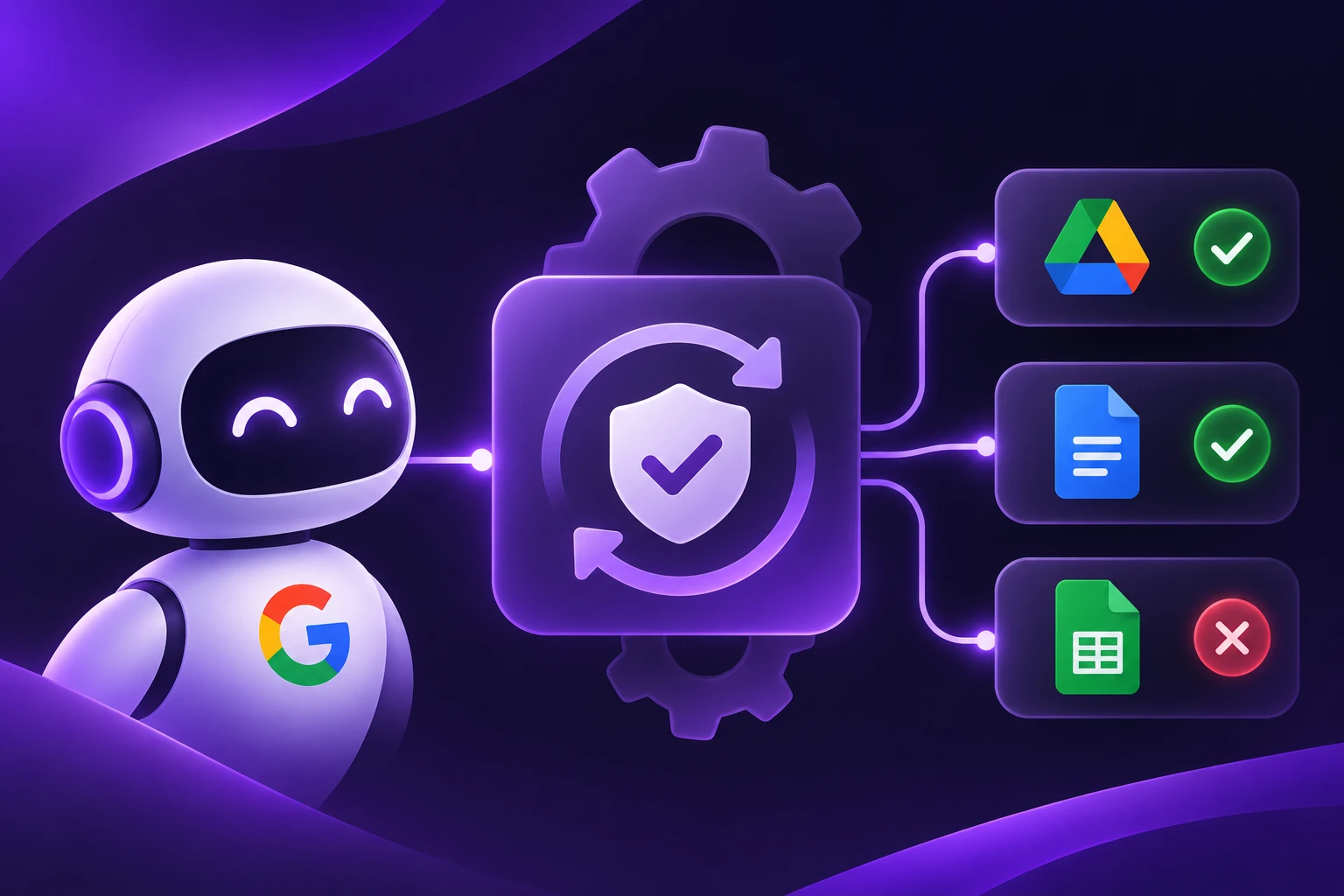
Google Cloud describes IAM Helper as an agent-facing building block for automating end-to-end IAM workflows. Agent Gateway serves a different purpose: Google says it verifies agent identities against Agent Registry, enforces IAM policies and default-deny outbound rules, and screens requests with Model Armor.
Workspace adds another boundary. Its admin controls govern how internal and external AI agents access organizational data through Workspace MCP tools or the Workspace CLI. These controls should be part of the design whenever an agent’s task includes Workspace data, rather than being treated as an extension of Cloud IAM alone.
A useful first deliverable is a request-path diagram. For each tool call, identify the agent identity, destination, policy enforcement point, possible approval requirement, and owner of an access failure. This gives the automation a defined scope before you connect it to permission-changing workflows.
Map Workspace and Cloud access before choosing controls
An agent can complete a single business task while crossing several authorization boundaries. For example, a proposed workflow might read a Workspace document, inspect a Cloud resource, and prepare a deployment change. That example describes a design scenario, not a promise that one Google control authorizes all three operations.
Separate the data plane from the permission-management workflow
The data-access path is where the agent attempts to read, create, or modify a resource. The permission-management path is where a system investigates why that request failed or proposes a change to access. Keep those paths distinguishable even if the same assistant helps with both.
In Workspace, begin with the agent’s supported connection method, its OAuth client, and the organization’s agent-access policies. In Cloud, identify the resource hierarchy and IAM policies relevant to the operation, then determine where gateway enforcement belongs.
Do not assume that authenticating an agent answers whether it may access a particular document or Cloud resource. Authentication establishes an identity; the applicable authorization and data controls still need to evaluate the request.
Create a small, actionable access inventory
For an initial rollout, inventory a limited set of tasks rather than every possible future agent capability. Record enough information to make an allow, deny, or escalation decision understandable.
- Task and action: What is the agent trying to do, and is the action read-only or state-changing?
- Target: Which Workspace data or Cloud resource does the action involve?
- Identity: Which dedicated agent identity and OAuth client, where applicable, are involved?
- Enforcement path: Does the request use Workspace MCP, the Workspace CLI, or a Cloud gateway-controlled route?
- Decision owner: Who can approve a sensitive operation or resolve an access problem?
This inventory is also a way to identify unnecessary privileges. If a task only needs to inspect configuration, do not make deployment authority a prerequisite simply because a broader identity is easier to reuse.
There is a trade-off: more narrowly defined identities and tasks require more setup and ownership. In return, administrators get a clearer relationship between an agent’s purpose and the access it requests. Start with the boundaries that materially affect data exposure or privileged actions, then refine the inventory as the workflow expands.
Prepare Workspace OAuth clients and supported agent interfaces
Google’s Workspace guidance recommends dedicated OAuth client IDs, least-privilege scopes, and usage quotas for agents. The stated goal is to let administrators distinguish an AI agent from a person or a traditional application. Treat that distinction as a foundation for access governance, not just an application-labeling exercise.
A shared client makes it harder to isolate one agent’s access without affecting unrelated integrations. A dedicated client creates a clearer administrative target, including when an administrator needs to block an external agent by client ID.
Plan around the published enforcement milestones
The supplied Workspace policy updates identify two separate requirements. They address different failure modes and should be tracked independently in your migration plan.
- Agentic OAuth designation: Starting November 11, 2026, Workspace MCP servers reject requests from applications or integrations whose OAuth client is not marked as agentic using the “Use this client for an AI-powered agent” setting.
- Supported access interfaces: Google says Workspace AI agents must use MCP servers or the Workspace CLI rather than REST APIs, with technical enforcement beginning February 1, 2027.
Marking a client as agentic does not replace permission checks. It addresses client eligibility for Workspace MCP access. Likewise, moving a workflow to an approved interface does not itself grant the agent access to every resource available through that interface.
Google says every call on the prescribed Workspace agent path is checked against Workspace permissions, data loss prevention rules, and classification labels. Design the workflow to handle policy denials as expected outcomes rather than interpreting them as reasons to seek another route to the same data.
Use administrative controls deliberately
Workspace’s admin guidance covers both internal and external AI agents connecting through Workspace MCP tools or the Workspace CLI. It also describes blocking an external agent by client ID. Include those administrative decisions in onboarding and offboarding procedures.
A practical migration sequence is to inventory existing clients, identify agent workloads, review their scopes, and test the intended supported interface before changing production traffic. Avoid inventing configuration commands from policy summaries; confirm the current administrative steps in Google’s documentation when implementing the change.
Workspace agent policy is evolving, so verify the published requirements and enforcement schedule during rollout. Keep that verification separate from the architectural principle: agents should be identifiable, narrowly scoped, and subject to the organization’s data-access controls.
Use IAM Helper to investigate and route Cloud access failures
IAM Helper is relevant when a Cloud agent needs to determine why access failed and what a legitimate resolution would require. Google describes it as making IAM skills callable by autonomous code assistants, deployment pipelines, and custom agents.
Its requester and resolver flows address different sides of the access problem. The requester flow can check whether a developer can unblock themselves locally or generate a structured ticket for an administrator. The resolver flow can trace inherited allow and deny rules across organization, folder, and project hierarchies.
Build a denial-handling workflow, not a privilege-granting loop
A useful integration starts with the failed action and target resource. The agent should preserve the context needed for investigation, invoke the relevant IAM workflow, and route the result according to the authority available to the requester.
- Capture the attempted operation. Record the acting identity, target resource, intended action, and available failure information.
- Investigate the access path. Use IAM Helper’s relevant flow to examine whether the issue can be resolved locally or requires administrator involvement.
- Distinguish explanation from approval. A diagnosis of a missing permission is not, by itself, authorization to grant it.
- Escalate with context. When administrative action is needed, use the structured-ticket path rather than asking the agent to improvise a broad access request.
- Recheck after an approved change. Confirm whether the original operation is now allowed before resuming the task.
These steps are a recommended integration pattern, not a claim about a particular IAM Helper response schema. Use the documented interfaces and outputs available in your environment rather than assuming field names or supported mutations.
The hierarchy-aware resolver matters because an access decision may involve more than a project-level role assignment. Google specifically describes tracing inherited allow and deny rules across organization, folder, and project levels. A workflow that inspects only a local binding can miss the relevant policy context.
Keep the original task identity separate from any identity authorized to change IAM. Otherwise, an access-checking assistant can become an unintended permission administrator. Automating investigation and ticket preparation is valuable even when the final access change remains a human decision.
Enforce Cloud agent access with Agent Gateway
Investigation helps explain a request, but enforcement determines whether the request proceeds. Google describes Agent Gateway as enforcing access checks at the protocol layer, including agent-identity verification against Agent Registry, IAM policy enforcement, default-deny outbound rules, and request screening with Model Armor.
These controls address distinct questions. Identity verification asks which agent is making the request. IAM evaluation asks whether the relevant access is allowed. Outbound rules constrain destinations, while request screening adds another security check to the request path.
Place enforcement on the actual execution path
For your deployment, identify which agent requests actually traverse the gateway. A policy attached to one route should not be assumed to govern a different route merely because both originate from the same assistant.
Google’s Context-Aware Access for Cloud documentation describes Agent Gateway checking whether an agent is allowed to access a resource and using Identity-Aware Proxy, or IAP, to check the agent’s IAM allow policy. Use that documented division of responsibilities when reviewing your architecture.
- Identity check: Confirm that the acting agent is recognized through the intended identity mechanism.
- Resource-access check: Evaluate the applicable authorization decision for the requested resource.
- Outbound restriction: Define permitted destinations instead of relying on unrestricted outbound access.
- Request screening: Include Model Armor screening in the documented gateway path.
- Failure handling: Stop or escalate requests when the required checks do not succeed.
This list is a deployment review checklist, not a substitute for product configuration documentation. Confirm the supported integration and enforcement behavior for the particular agent runtime and resource path you are deploying.
Keep policy enforcement outside the agent’s discretion
An agent can explain a denial to the user, but it should not decide whether a mandatory control applies. Make that determination part of the surrounding system’s configuration and approval process.
Default-deny outbound rules are particularly relevant when a task could lead an agent to contact a new destination. The operational cost is that legitimate destinations may require an explicit policy update. Handle that through a reviewed change process rather than weakening the default whenever a task encounters friction.
Also distinguish access authorization from successful task completion. Passing a gateway check means the request has satisfied the applicable checks on that path; it does not mean the agent’s proposed business action is correct or that a sensitive change needs no further confirmation.
Add custom policy checks only where they answer a real need
Some organizations need checks beyond the standard authorization path. Google says Agent Gateway can route requests through Service Extensions to IAP, a customer policy engine, or third-party security tools. This provides an integration option when an existing policy system must participate in the decision.
Before adding another system, state the question it will answer. For example, an organization might want a custom policy to restrict a particular class of operation to an approved workflow. That is a proposed use case, not a claim that Google supplies that business rule out of the box.
Define ownership and failure behavior
A custom check is useful only if its result has a clear effect. Specify whether the integration can deny a request, require approval, or provide advisory context. Avoid a design in which several systems return findings but none has responsibility for the final access decision.
- Policy owner: Name the team responsible for the rule and its exceptions.
- Inputs: Define the identity, resource, action, and other context the check actually needs.
- Decision meaning: Explain what an allow, deny, or unavailable result means to the caller.
- Failure handling: Decide in advance what happens if the required policy service cannot respond.
- Review evidence: Specify what information administrators need to understand the outcome.
Do not assume that routing a request to an external policy system automatically supplies these operating rules. They are design decisions that need implementation and testing within the capabilities of the integration.
The alternative is to stay with the supported built-in controls when they already express the requirement. That usually gives the team fewer integrations to maintain and fewer decision paths to troubleshoot. Custom policy becomes justified when it closes a defined gap, not merely because another security product is available.
Pay particular attention to conflicting decisions. If one system permits an action and another denies it, the workflow needs a documented resolution rule. Make exceptions explicit and reviewable rather than leaving the agent to reconcile incompatible policies through natural-language reasoning.
Preserve least privilege, confirmations, and audit evidence
Google’s enterprise guidance says permissions, confirmations, prompt screening, and audit logging happen automatically across its agent workflows. Its broader agent-security guidance also emphasizes built-in permission and DLP checks, with human-in-the-loop confirmations for sensitive actions.
When implementing your own workflow, verify which of those controls apply to each component you use. A statement about Google’s agent workflows should not be treated as evidence that every custom integration automatically inherits identical logging, approval, or screening behavior.
Separate permission from confirmation
Permission establishes whether an identity may perform an action. Confirmation establishes whether the relevant person approves a particular sensitive action in context. A workflow can require both without treating them as interchangeable.
For example, your design might allow an agent to inspect a deployment configuration but require confirmation before applying a proposed change. Define that boundary around the actual risk and organizational policy, rather than assuming every state-changing action has the same approval requirements.
Similarly, approval to complete a task should not become open-ended approval to expand the agent’s permissions. Keep permission changes visible as their own decisions, with an accountable approver where required.
Record enough information to reconstruct the decision
As a recommended evidence model, retain the acting identity, requested operation, target resource, decision, relevant policy context, and any approval or escalation reference. Confirm which details the products expose, then determine what additional application-level records are appropriate.
Avoid collecting unnecessary sensitive content merely to make logs more detailed. The objective is to explain the access decision and subsequent action, not to duplicate every document or prompt the agent encountered.
- For allowed requests: Preserve enough context to identify the authorized action and the identity that performed it.
- For denied requests: Preserve the available reason and the chosen next step.
- For permission changes: Link the change to its request and approval process.
- For sensitive actions: Retain evidence of the required confirmation without assuming permission alone was sufficient.
This approach aligns with Google’s stated emphasis on reducing privileged access through automation that performs tasks safely and in a controlled way. The objective is not to eliminate accountability; it is to make routine checks repeatable while keeping consequential decisions attributable.
Test denials, policy conflicts, and recovery before rollout
A successful demonstration shows that an agent can finish a task. A useful access-control test also shows that it cannot finish the task when the necessary permission or policy condition is absent. Build both outcomes into acceptance testing.
Use a small pilot with known identities, resources, and expected decisions. The point is to compare observed behavior with a documented expectation, not simply to count completed tool calls.
- Test the intended allowed operation. Confirm that the narrowly scoped agent can complete the approved task through the expected interface.
- Test an unauthorized resource. Verify that the workflow stops rather than switching identities or searching for an alternate access route.
- Test Workspace client eligibility. Where applicable, confirm the client’s agentic designation and readiness for the published MCP enforcement requirement.
- Test inherited Cloud policy. Exercise a case that requires examining hierarchy-level allow or deny rules, rather than only a local assignment.
- Test outbound restrictions. Confirm the expected outcome for a destination that is not permitted by the gateway’s outbound policy.
- Test required approvals. Ensure a sensitive action does not proceed before its configured confirmation occurs.
- Test escalation and rechecking. Follow a denial through investigation, administrative resolution where needed, and a fresh access evaluation.
These are recommended test cases, not claims that Google provides a prebuilt test suite for this entire architecture. Adapt them to the controls and documented interfaces actually in use.
Include policy-service failures in the pilot if you use custom checks. Determine whether the workflow behaves as designed when a required dependency is unavailable, and whether the resulting message helps an operator distinguish a denied request from an incomplete evaluation.
Recovery should preserve the original security boundary. A paused task may need a new evaluation after an approved change, especially if its identity, target, or requested action has changed. Do not treat an earlier allow decision as permanent authorization for a different operation.
Finally, review evidence quality with the administrators who will handle incidents and tickets. If they cannot connect a failed action to an identity, resource, and decision path, improve the instrumentation before expanding the rollout.
Choose a rollout scope your team can govern
The best starting point is usually a bounded task with clear resource ownership and a well-understood permission model. Read-oriented investigation can be a useful pilot because the team can focus first on identity, routing, denial handling, and evidence before introducing sensitive mutations.
That is a rollout recommendation, not a reason to ignore the sensitivity of read access. A document read can still expose protected information, so Workspace permissions, DLP rules, classification labels, and the applicable administrative controls remain relevant.
Expand capability without expanding authority by default
When adding a new tool or task, revisit the access inventory. Ask whether the existing identity still represents a coherent purpose, whether its scopes remain narrow, and whether the new action requires a different approval boundary.
For Cloud workflows, add IAM Helper where access investigation is a real operational need. Add gateway enforcement where it governs the actual request path. Introduce Service Extensions when a specific policy requirement cannot be adequately expressed by the controls already in place.
- Prefer a smaller supported workflow over a broader workflow that depends on unreviewed access routes.
- Automate diagnosis and evidence collection before automating consequential permission changes.
- Assign owners for denials and exceptions so failures do not become pressure to grant blanket access.
- Review changes to clients, scopes, and tools as changes to the security boundary, not just application maintenance.
Google Cloud’s agentic AI use guidelines prohibit deploying agents to compromise, disrupt, or gain unauthorized access to Google or third-party services, systems, or critical infrastructure. Treat a legitimate denial as a boundary to investigate through authorized processes, not as a challenge for the agent to bypass.
The practical measure of a mature rollout is whether the team can explain why access was allowed, why it was denied, and who authorized any change. That is more useful than making every request succeed.
To automate access checks for Google agents reliably, combine dedicated identities, supported interfaces, request-path enforcement, and controlled resolution workflows. Workspace controls govern agent access to organizational data; IAM Helper supports Cloud IAM investigation and workflows; Agent Gateway supplies protocol-layer checks. Keep those responsibilities distinct while connecting their outcomes.
Start by mapping one agent task from identity to resource, then test both an allowed request and a deliberate denial. Confirm the applicable Workspace requirements, document the escalation path, and expand only when your team can review the access decision and any approval that followed it.