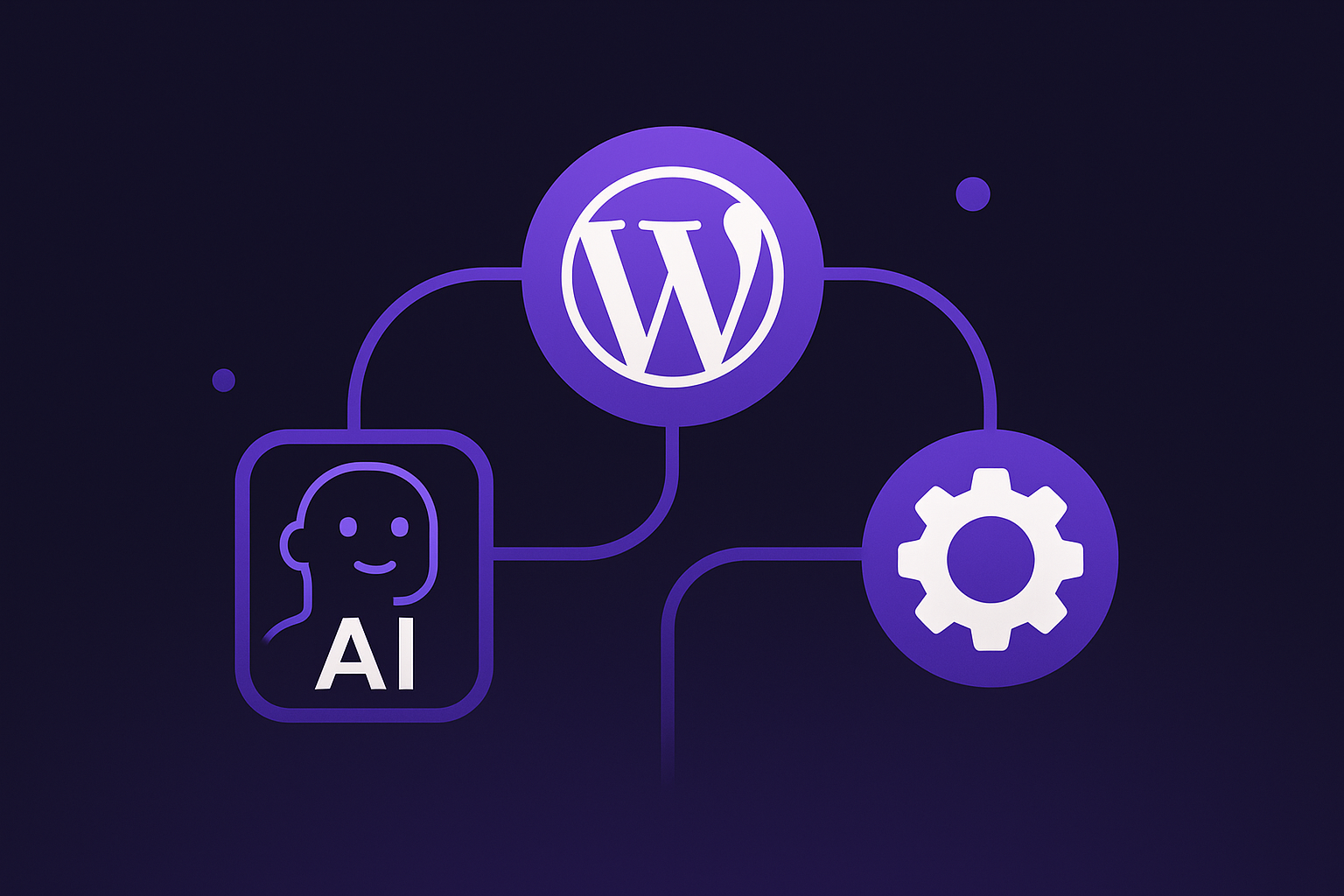
Model Context Protocol (MCP) is quickly becoming the “universal connector” that lets AI agents call real tools instead of only generating text. For WordPress automation, that matters because the most valuable work, auditing content, monitoring performance, checking settings, and coordinating workflows, depends on structured access to site data and actions.
Today, MCP is reshaping how WordPress sites can be queried and operated by AI assistants such as Claude Desktop, VS Code-based agents, and Cursor. With vendors like WordPress.com and Automattic shipping MCP-native components, the path from “ask” to “automate” is getting shorter, safer, and more standardized.
1) What MCP changes for WordPress automation
MCP is a protocol that standardizes how an AI agent discovers “tools” and invokes them with structured inputs and outputs. Instead of one-off plugins or brittle scraping, the agent can request specific capabilities (like “search posts” or “get site stats”) through a consistent interface.
This is especially relevant for WordPress automation because WordPress environments vary: WordPress.com hosted sites, self-hosted WordPress installs, and WooCommerce stores often expose different APIs and authentication schemes. MCP aims to reduce that fragmentation by giving agents a predictable way to connect.
There’s also an industry push toward interoperability. MCP has been reported as moving into a neutral standards effort under the Linux Foundation’s AI and Agent Interoperability Framework (AAIF), reinforcing the idea that agent-to-tool connections are becoming a shared standard rather than a vendor lock-in story.
2) WordPress.com’s built-in MCP server: a hosted path to AI access
WordPress.com now includes a built-in MCP server, enabling MCP-capable AI agents, explicitly including Claude Desktop, VS Code, and Cursor, to query WordPress.com sites via natural language. The official docs state: “WordPress.com includes a built-in MCP (Model Context Protocol) server,” positioning it as a first-class feature rather than an add-on integration.
Availability is tied to WordPress.com paid plans. According to the documentation, MCP “is available on all WordPress.com paid plans,” which makes every paid-plan site “MCP-ready” from a hosting standpoint once the user enables it.
To connect an AI agent from your local environment, WordPress.com uses a local proxy approach: you run mcp-wpcom-remote, which requires Node.js version 22.0 or greater. This design keeps the agent’s connection flow familiar to developers while still relying on WordPress.com’s hosted MCP endpoint behind the scenes.
3) Permissions, privacy, and role-based safety on WordPress.com
Tool-based automation is only as trustworthy as its permission model. WordPress.com describes an explicit permission flow where the AI agent requests access before making MCP tool requests, giving the user a clear moment to approve what the agent can do.
Privacy is also addressed directly in the WordPress.com MCP documentation: WordPress.com states it “does not use the data from the MCP tools to train AI models.” That matters for site owners who want the productivity benefits of AI while keeping content and analytics data from being repurposed for model training.
On top of that, WordPress.com publishes a role-based capability matrix (“MCP tool access”) that maps which MCP tools are available depending on the WordPress.com user role (Administrator, Editor, Author, and so on). In practice, this means an AI agent’s effective reach is constrained by the same role system site teams already rely on for governance.
4) Read-only today: what WordPress.com MCP can (and can’t) automate
At the moment, WordPress.com MCP access is explicitly read-only. WordPress.com support documentation states: “MCP access is currently read-only. AI assistants cannot create, edit, or delete content on your WordPress.com sites.”
This limitation is important to interpret correctly. Read-only still enables high-impact automation such as content inventorying, SEO auditing support, diagnosing configuration issues, reviewing plugin states, pulling stats, and answering operational questions like “Which posts mention X?” or “What changed in settings?”, all without risking accidental edits.
WordPress.com’s own announcement, “WordPress.com Now Supports MCP” (Oct 7, 2025), reiterates read-only access now, with “Write” access planned. The same announcement positions WordPress.com as “the first WordPress host to support MCP with OAuth by default,” emphasizing a secure-by-default posture even as capabilities expand.
5) The local connector: mcp-wpcom-remote and why it matters
Automattic maintains mcp-wpcom-remote as an MCP server wrapper optimized for WordPress.com. Its README describes it as “A Model Context Protocol (MCP) server for seamless WordPress.com integration,” with “Secure OAuth 2.0 Authentication,” and it defaults the MCP API endpoint to https://public-api.wordpress.com/wpcom/v2/mcp/v1.
Architecturally, this “remote wrapper” approach solves a practical problem: many AI agent clients expect to talk to an MCP server locally (via STDIO or local HTTP). By running a local proxy that securely authenticates to WordPress.com, you get the best of both worlds, local developer experience with hosted WordPress.com services.
The tooling is also moving quickly. On npm, @automattic/mcp-wpcom-remote shows recent publishing activity (for example, version 0.2.3 with a “Published 21 days ago” recency indicator at the time of listing), which is useful when you’re tracking whether the automation connector is actively maintained.
6) Self-hosted WordPress: MCP via adapters, plugins, and standardized “abilities”
For self-hosted WordPress, Automattic’s mcp-wordpress-remote takes a different route: it connects AI assistants to WordPress via OAuth/JWT/Application Passwords and highlights that it is “MCP Authorization Specification Compliant,” with OAuth 2.1 + PKCE support (per its README, dated 2025‑06‑18).
That repo also notes an important operational dependency: you must install a plugin on the WordPress site and enable MCP in WordPress settings (described as enabling MCP under “Settings > MCP Settings”). This matches how many WordPress features are typically delivered, site-level capability with explicit admin enablement.
Meanwhile, the ecosystem is converging on a more native WordPress approach: the WordPress/mcp-adapter project “bridges WordPress's Abilities API with the MCP specification,” translating WordPress “abilities” into MCP “tools, resources, and prompts.” Its README documents a concrete endpoint for automation integrations, /wp-json/mcp/mcp-adapter-default-server, and a WP‑CLI command (wp mcp-adapter serve --server=mcp-adapter-default-server) for serving via STDIO.
7) Why the Abilities API is a safety layer for AI automation
The Abilities API is relevant because it gives WordPress a structured contract for what an agent can call. Developer documentation highlights the use of JSON Schema for input_schema and output_schema, which helps validate requests and responses and reduces ambiguity, an essential ingredient for reliable automation.
Abilities can also include permission callbacks. That means tools exposed to an agent can enforce contextual authorization rules beyond simple role checks, such as restricting actions by post type, environment (staging vs production), or even business-specific rules.
The Make WordPress AI team frames this as an “AI Building Block.” In the MCP Adapter v0.3.0 release announcement (2025‑11‑24), the adapter is positioned as a translator between WordPress capabilities and MCP, with mentions of multiple servers, transports, permissions, observability, and WP‑CLI, signaling that the goal is not just connectivity, but governable, debuggable automation.
8) The broader MCP plugin and automation landscape (WooCommerce, Zapier, and more)
Beyond core/host integrations, MCP is surfacing in plugins and third-party automation layers. For example, the WordPress.org plugin “StifLi Flex MCP” advertises “exposing 117 tools” for AI agents to manage WordPress + WooCommerce, supports a JSON-RPC 2.0 compliant REST endpoint, offers SSE (Server-Sent Events) streaming, and recommends WordPress Application Passwords for authentication.
On WordPress.com’s plugin directory, “MCP for WooCommerce” is presented as a “Full Model Context Protocol server” with JWT-based authentication and both STDIO and HTTP “streamable” transports, emphasizing “Read-Only Safety.” This highlights a common pattern: start with read-only access to earn trust, then expand to controlled write operations as standards and guardrails mature.
There’s also a no-glue-code angle. Zapier’s “WordPress MCP” offering describes generating a secure MCP URL, choosing WordPress actions, and connecting them to any MCP-compatible AI assistant, positioning MCP as a portable control surface for automation that doesn’t require developers to host their own integration middleware.
MCP connects AI agents to WordPress automation by standardizing how assistants discover capabilities, request permissions, and invoke tools with structured schemas. WordPress.com’s built-in MCP server (available on paid plans and paired with a local Node.js 22+ proxy) shows how hosted platforms can make AI access straightforward while maintaining clear user consent and privacy boundaries.
At the same time, self-hosted WordPress is moving toward a more native, extensible model through the Abilities API and the mcp-adapter, while the plugin ecosystem and services like Zapier expand what “automation” can mean. For teams building workflows today, the practical takeaway is clear: start with read-only insight and monitoring, design around granular permissions, and prepare for a near future where write-capable, standards-based agent automation becomes normal.